Pathway Picker
An interactive app to combine Movement Levels and Pathways
Pathway Picker is a free interactive movement tool designed for elementary music and movement classrooms. With the click of a button, students can randomly select a pathway and a movement level to explore with their bodies. Use the two elements separately or combine them to create movement challenges that encourage creativity, spatial awareness, and purposeful movement.
Lesson Ideas and Extensions
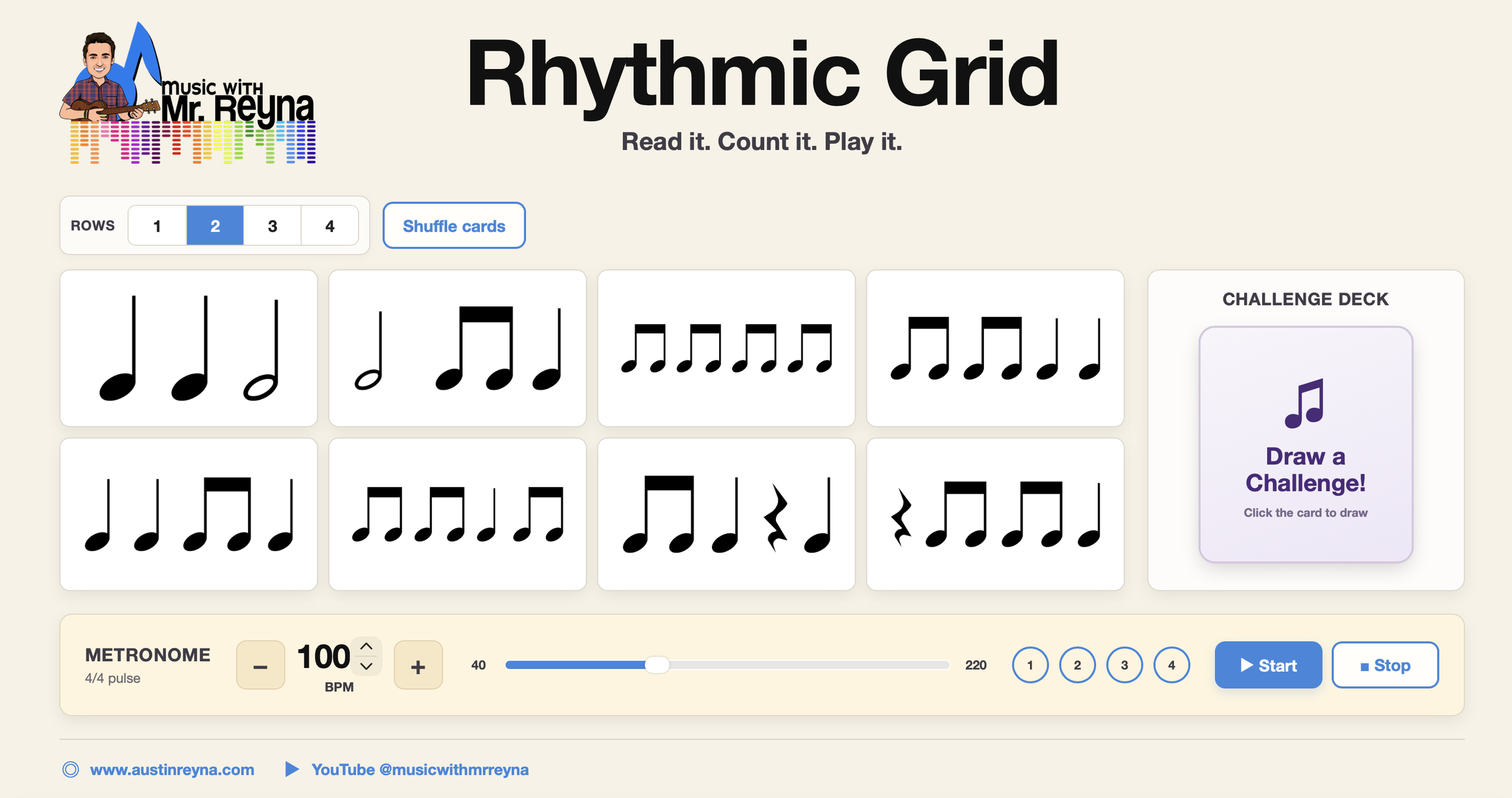
Rhythmic Grid is designed to be flexible—there is no single “right” way to use it! Here are some ideas for bringing it into your classroom:
Explore the Pathway – Draw a pathway and have students travel through the space following its shape. Encourage them to imagine the pathway drawn across the floor.
Add a Level – Draw both a pathway and a level. Students must follow the pathway while also demonstrating the selected level or level change.
Move to Music – Play contrasting pieces of music and ask students to interpret the same pathway differently based on the tempo, dynamics, articulation, or character of the music.
Freeze & Draw – Students move freely while music plays. When the music stops, draw a new pathway or level for the next round.
Add Locomotor Movements – Combine the generated challenge with walking, skipping, galloping, sliding, tiptoeing, or another locomotor movement.
Student Choice – Draw a pathway, but allow students to choose their own level—or draw a level and let students decide how they will interpret the pathway.
Partner Pathways – Partners perform the same pathway together. Challenge them to move in unison, mirror one another, follow and lead, or interpret the pathway in two different ways.
Create a Sequence – Generate three or four pathway-and-level combinations. Students memorize them and connect them into a short movement sequence.
Connect to Musical Form – Assign a different pathway or movement level to each section of a piece, such as A and B, and change movement when the musical form changes.
Student-Created Pathways – After exploring the app, have students draw their own pathway cards. Add their designs to a class collection and use them for future creative movement activities.
More from the Blog